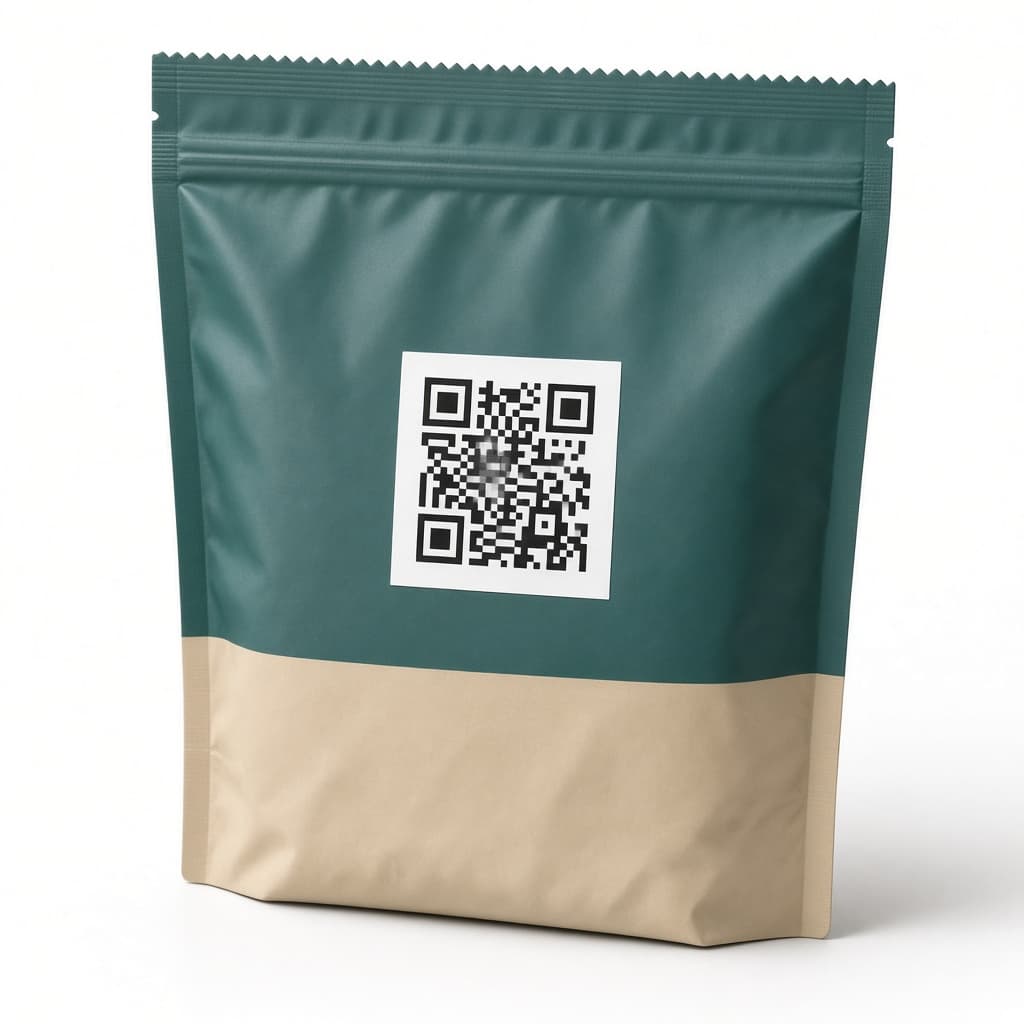
Primary unit QR
A unique code on every product unit — ready for field scan and later loyalty.
Packaging QR platform
QR-based pack identity for brands — generate, print, and dispatch without POS hardware. Loyalty can wait until you are ready.

Like a loyalty suite — but built for packaging reality. Combine generate, print, dispatch, and loyalty pieces as you grow.
A unique code on every product unit — ready for field scan and later loyalty.
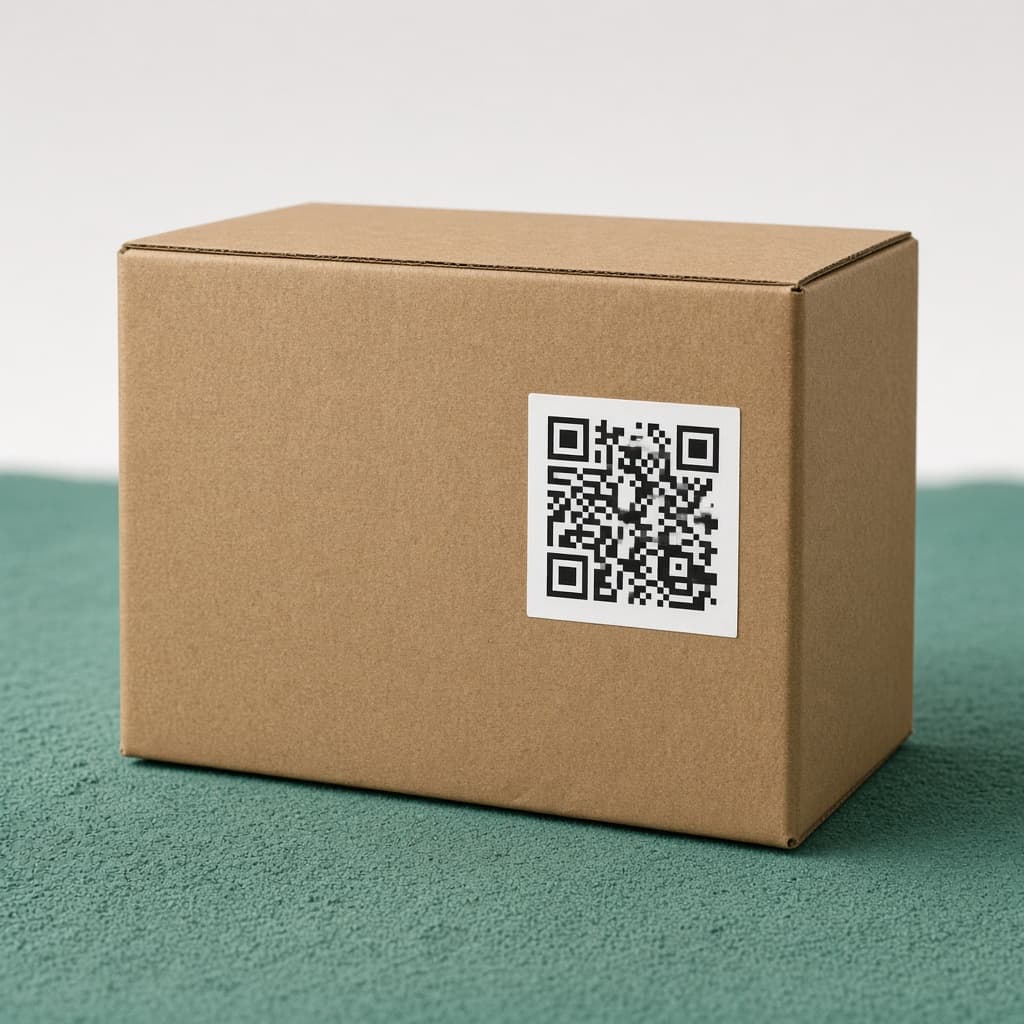
Carton codes that map to the units inside, so outer scan clears the pack.
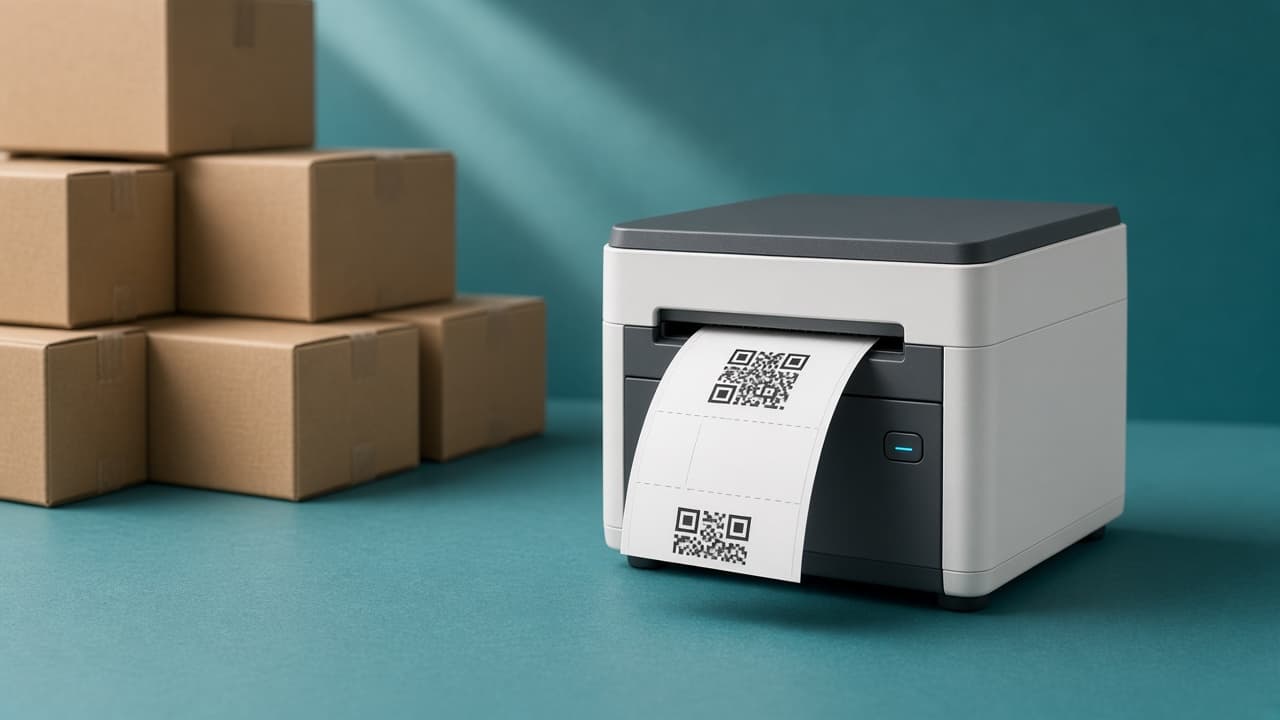
Enter quantity and pack size — LinkPack builds both layers in one run.
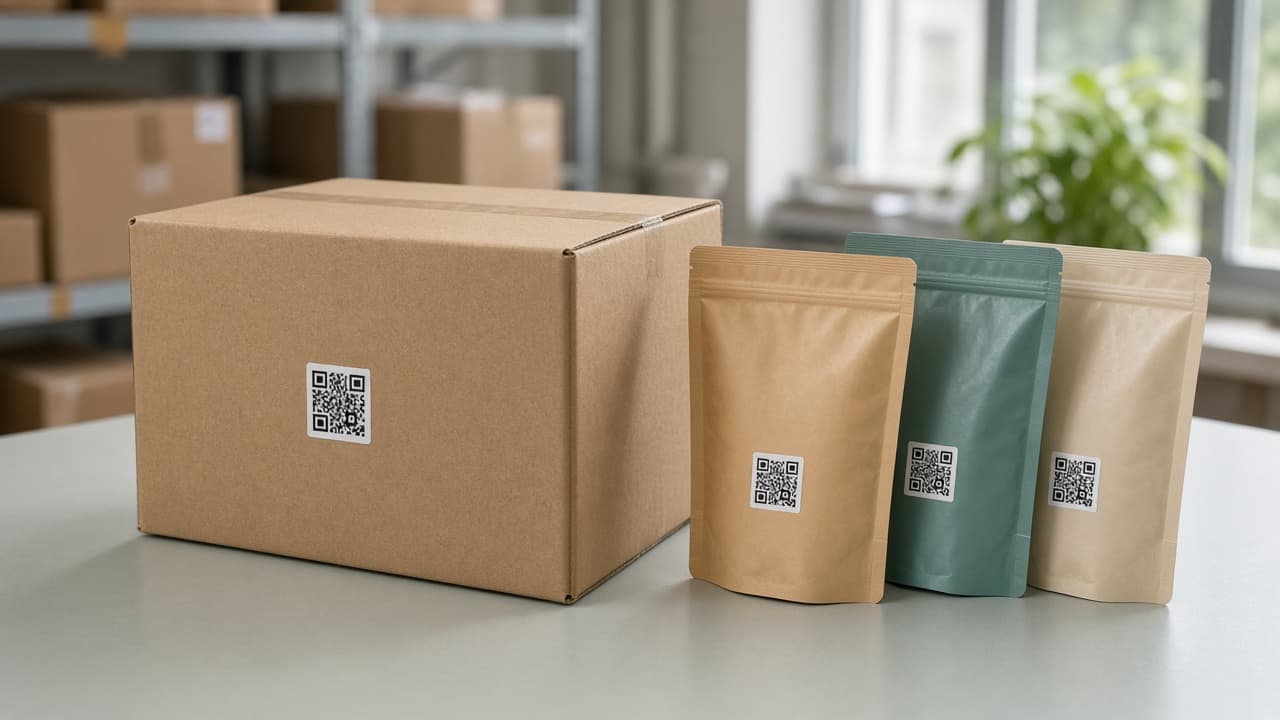
Push product and carton labels to your print station with the right template.

Scan the outer code and mark every linked unit dispatched in seconds.
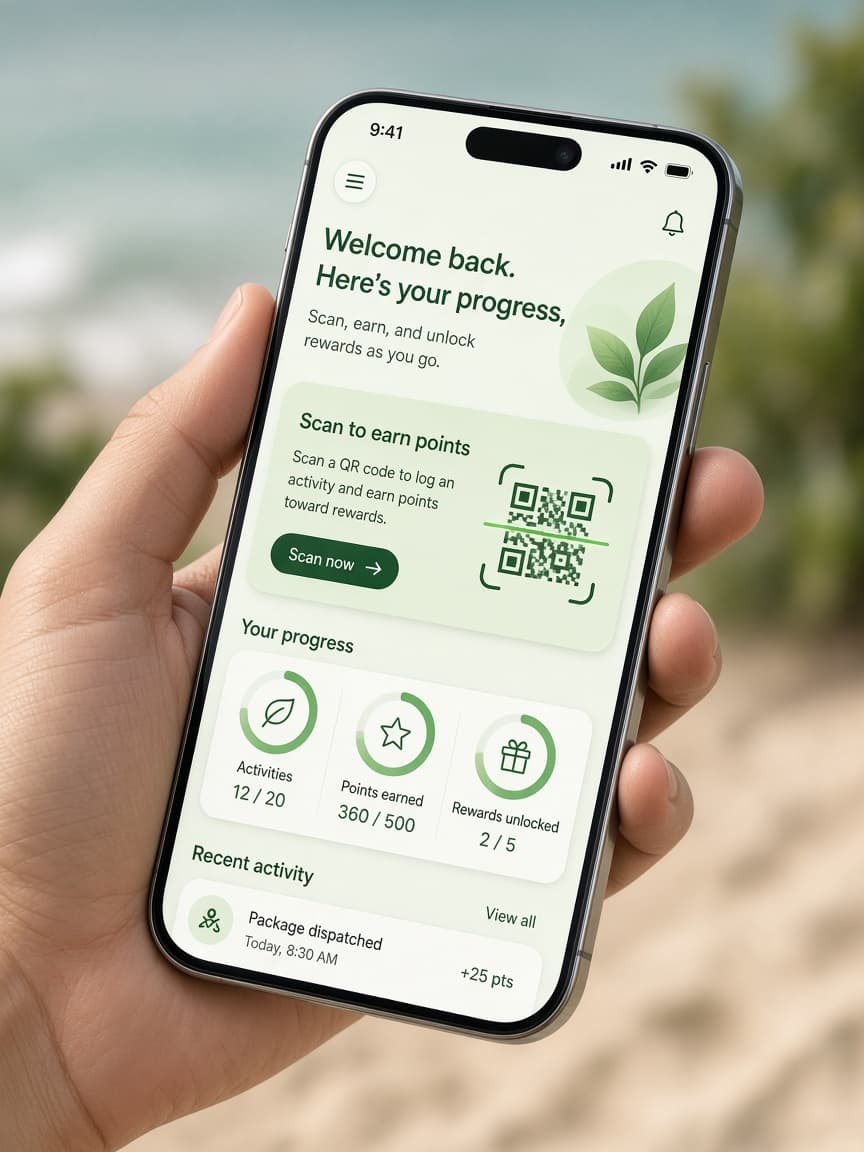
Phone-camera workflows for warehouse and channel teams — no heavy install.

Configure reward rules now, switch loyalty on later without reprinting codes.
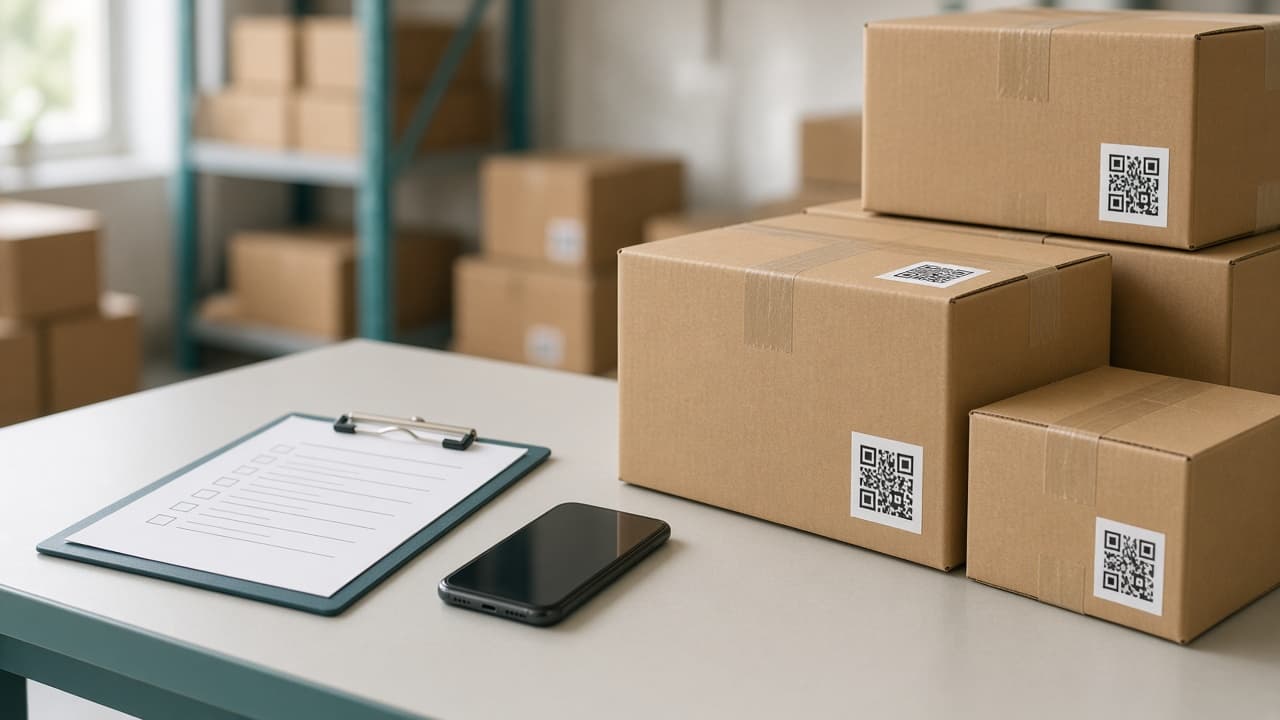
Brand-scoped plants, products, templates, and permissions in one workspace.
And more on the roadmap — easily mix ops modules today, loyalty modules next.
Counter loyalty apps stop at the store. LinkPack starts where units meet cartons.
Dock teams clear a carton with one scan instead of recounting every sticker.
Primary and secondary codes are born linked — no spreadsheet glue later.
Run ops today. Add consumer rewards on the same codes when commercial is ready.
Short demonstration of linked codes, label print, and carton dispatch.

Follow generate → print → outer-pack scan — the operating story before loyalty goes live.
Set quantity and pack size. LinkPack creates primary units and secondary cartons together.
Apply product stickers and outer labels from the same batch — templates stay brand-scoped.
Outer-pack scan marks the full linked set dispatched for a clean shipping trail.
Schemes and PWA rewards can plug in without reprinting your identity system.
Discover the powerful features you get across plant, dock, and brand.
From unit identity to carton clearance — ops runs with less manual chasing while you focus on the brand.
Each product sticker carries a unique primary code so nothing leaves the line anonymous.
Secondary codes know which units sit inside — pack math stays honest from generate time.
Templates and batch payloads reach the label station so operators stay on the line, not in email.
Outer scan updates the whole pack — fewer missed units and cleaner bay turnover.
Field teams scan from a browser PWA. No extra handheld software project to start.
Reward schemes can wait. Your printed codes already form the identity layer.
Catalog, batches, templates, dispatch status, and loyalty foundations — without juggling five tools.
Clear modules with real packaging imagery — not abstract cafe metaphors.
Unit-level identity for every piece that leaves the plant.
Carton identity that represents the pack relationship.
One outer scan — full pack marked dispatched.
Batch to label station without losing mapping.
Camera scan for warehouse and channel roles.
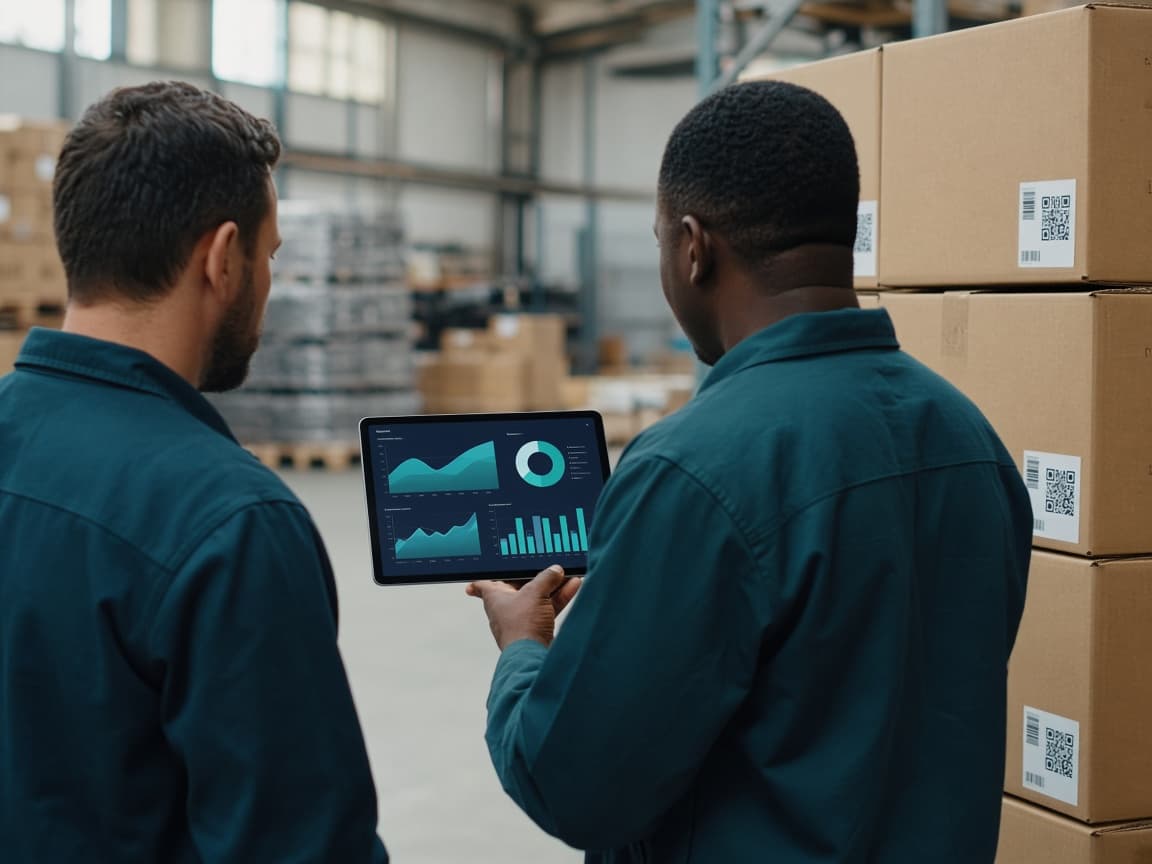
Admins, printers, and dispatchers with clear access.
If units go into cartons — and cartons leave a plant — LinkPack fits the motion.
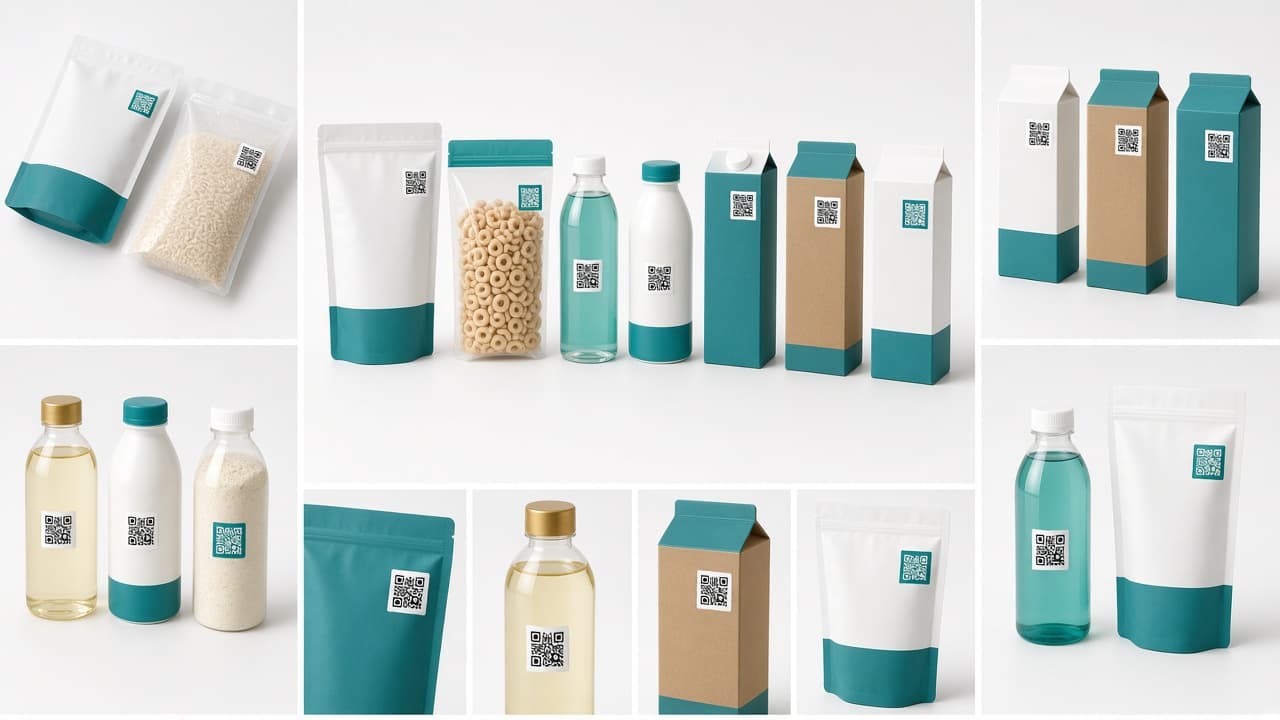
Straight answers before feature-by-feature build-out.
Cafe apps reward store visits with one business QR. LinkPack is built for goods that leave a factory — unit stickers, carton labels, print batches, and pack-level dispatch.
No. Start with catalog, generate, print, and dispatch. Loyalty schemes can enable later without reprinting a new identity system.
It represents the outer pack. Scanning it can treat every linked primary inside that pack as dispatched.
Yes. The admin model is brand-scoped and supports plants, units, products, and permissioned users.
Brand admins use the admin dashboard. Field and dispatch flows use the companion PWA as those modules roll out.
Open admin to manage catalog and batches. Modules continue one by one — dispatch first, loyalty next.